





By Products


Your agent doesn't know the API. It just pretends to.
ContextMatic is a catalog of APIs that connects your AI agent with deterministic API context. When you're wiring up an integration, it delivers the exact methods, types, and auth patterns straight from the source, so your agent stops guessing and writes integration code that compiles.


API Catalogue
New APIs added every week.





Runs on the first try.
Real integrations. Zero hallucinations. Production-ready output.
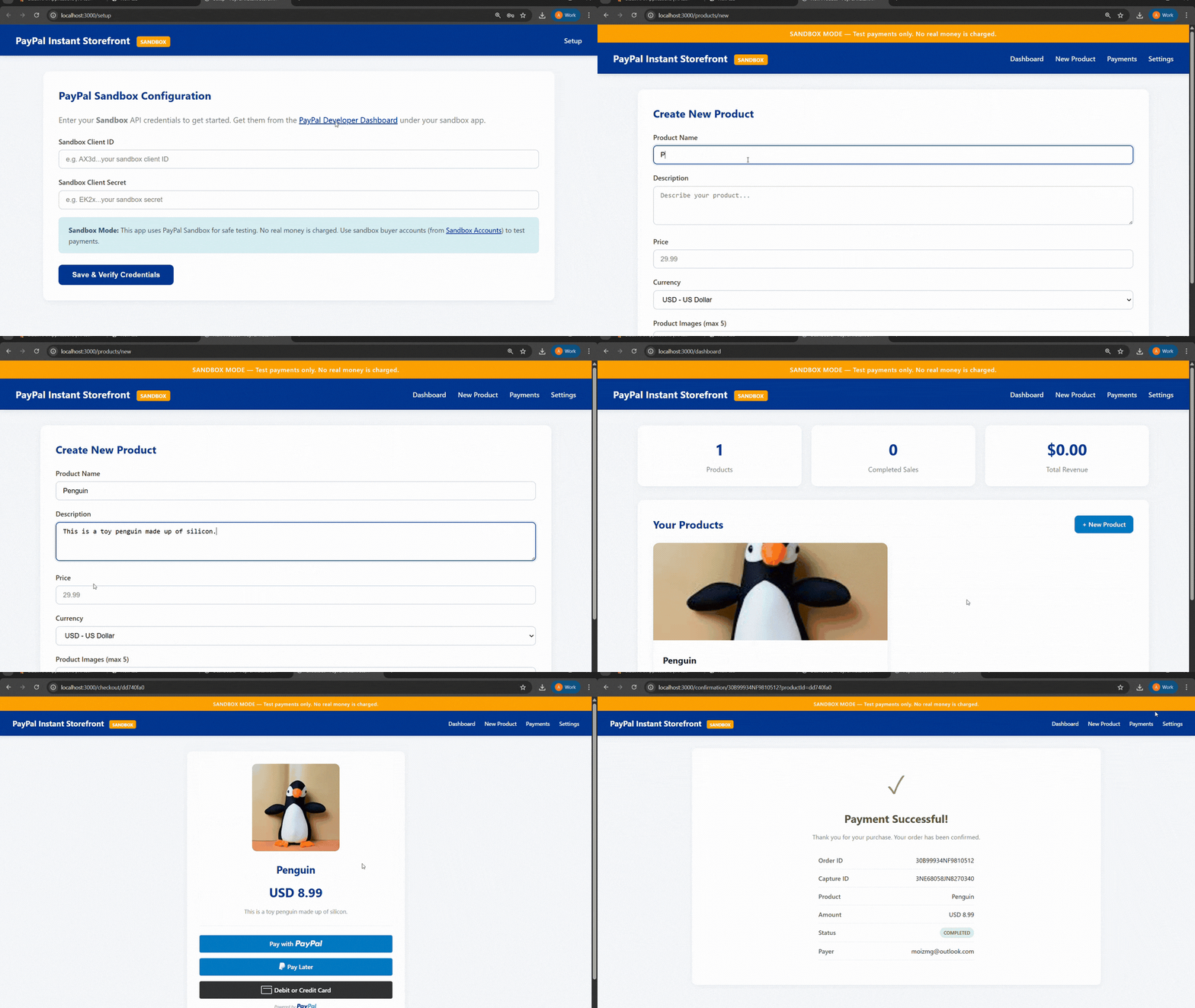

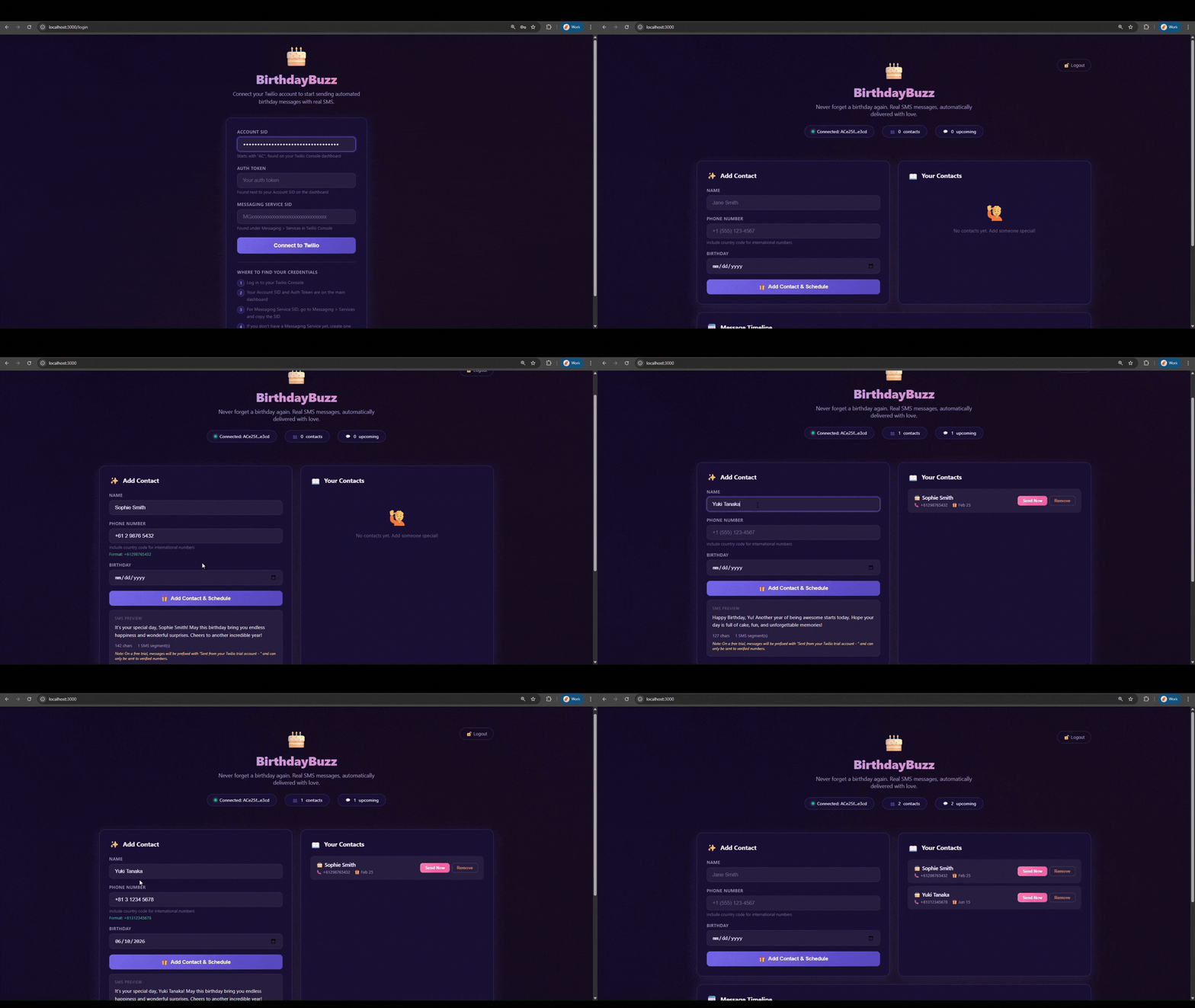

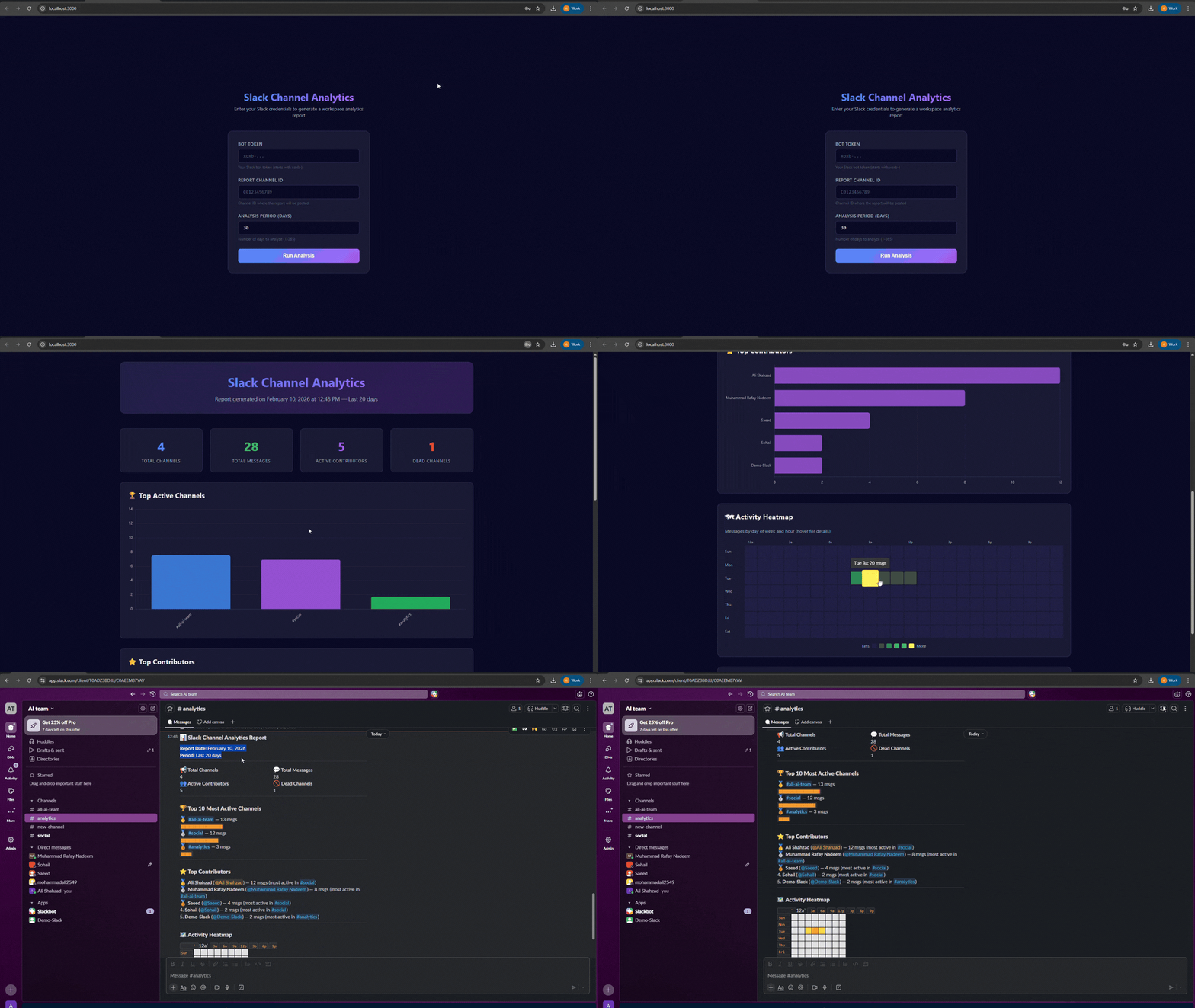

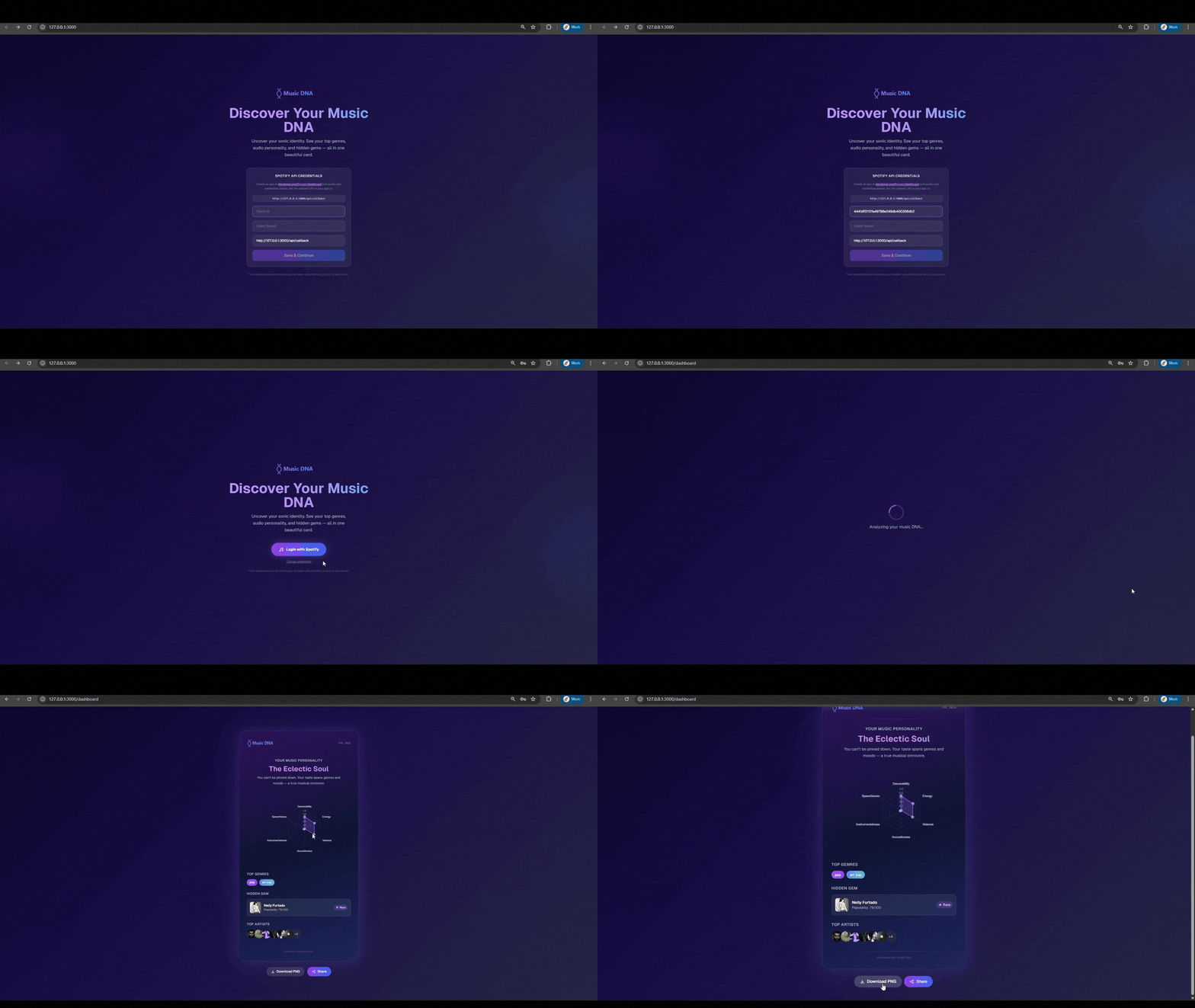

Add it to your IDE.
Free. No API key. No account.
Click the button — opens Cursor automatically
Run /create-skill in any chat to add bundled skills
Enable the MCP server in Cursor Settings → MCP
After installing, run /onboard-context-matic for a guided tour.
 Add to Cursor
 Add this repository as a marketplace plugin/plugin marketplace add apimatic/context-matic
Install the plugin/plugin install context-matic@apimatic
Reload plugins /reload-plugins
After installing, run /onboard-context-matic for a guided tour.
Open the Extensions view with Ctrl+Shift+X
Search for the plugin with: @agentPlugins context-matic
Select ContextMatic and click Install
After installing, run /onboard-context-matic for a guided tour.