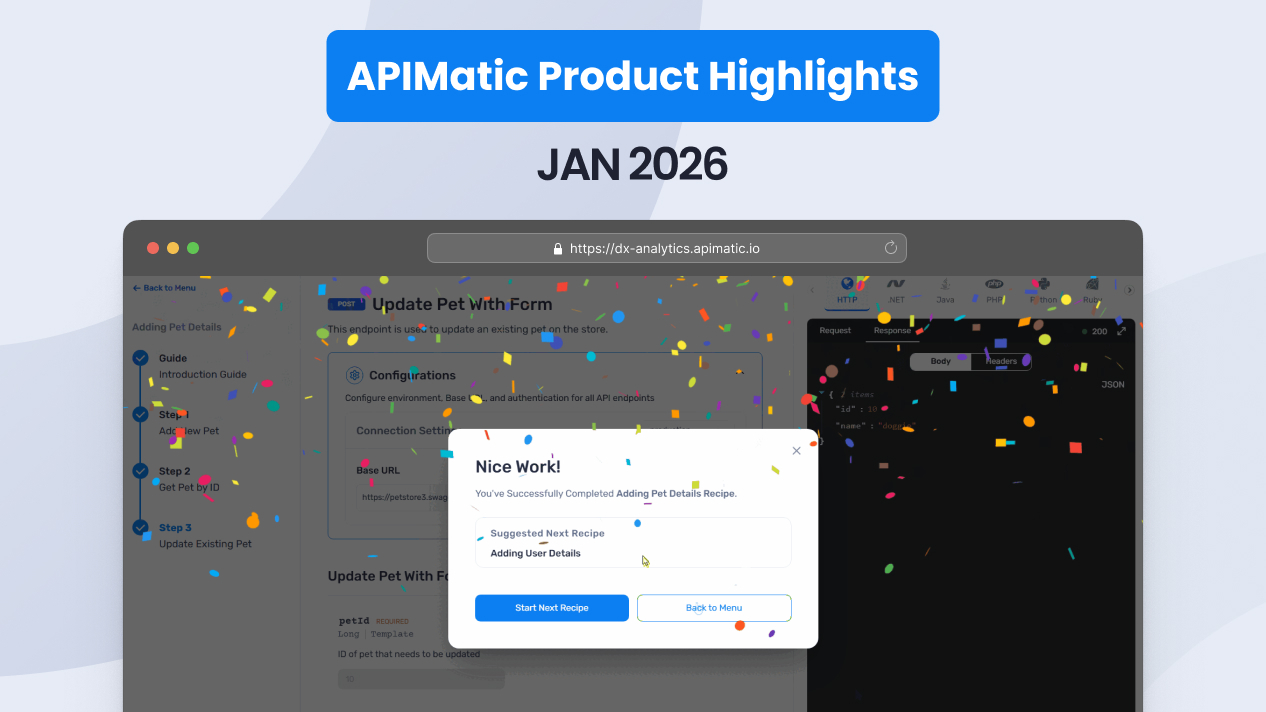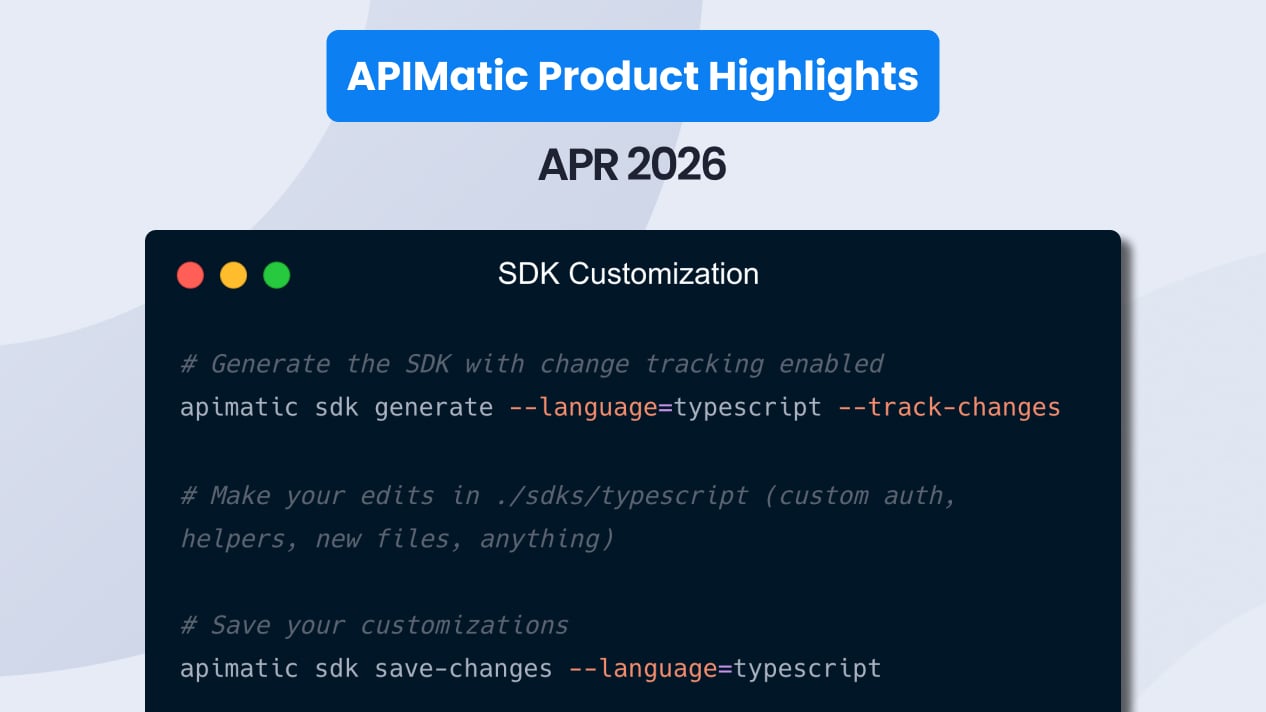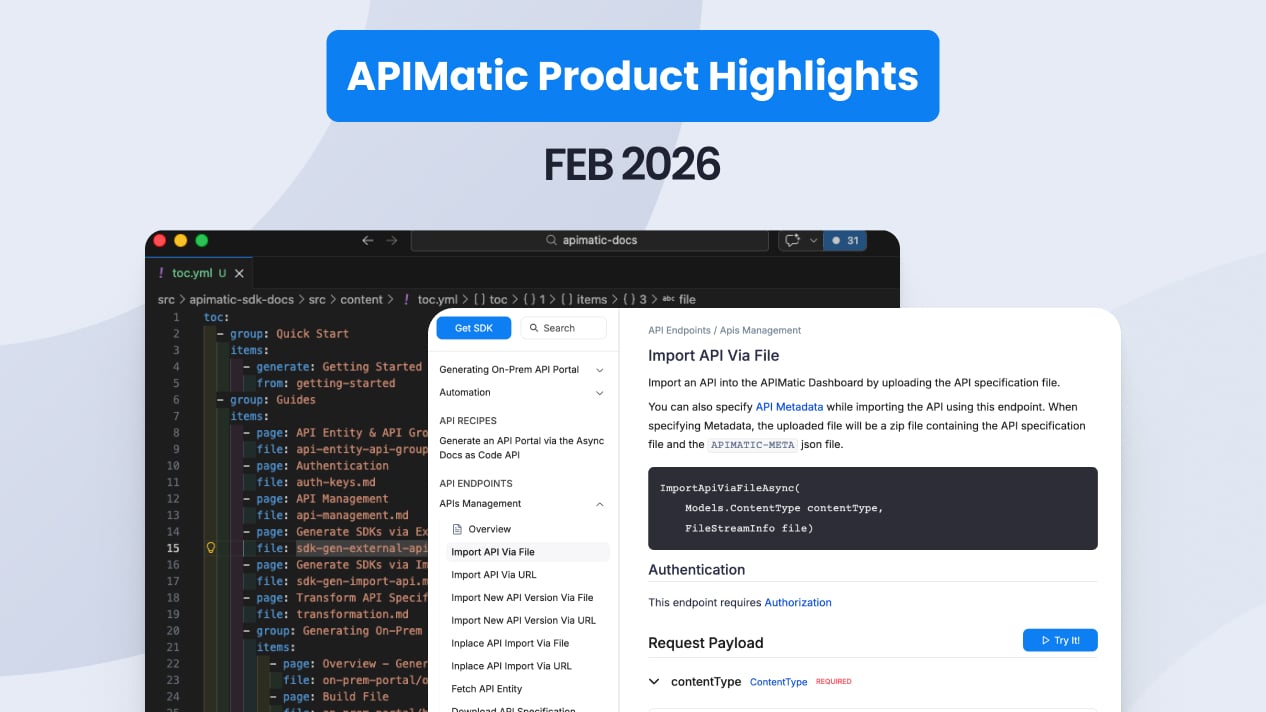



API Copilot now generates cURL commands, so developers can get working HTTP requests alongside SDK code in seven languages through a single conversational interface.
API Recipes added success notifications and customizable completion screens to guide developers through multi-step integrations with clearer feedback at every stage. And webhooks and callbacks now get sidebar grouping, independent sorting, and 50 dedicated linting rules.
Here's everything that shipped in March 2026:
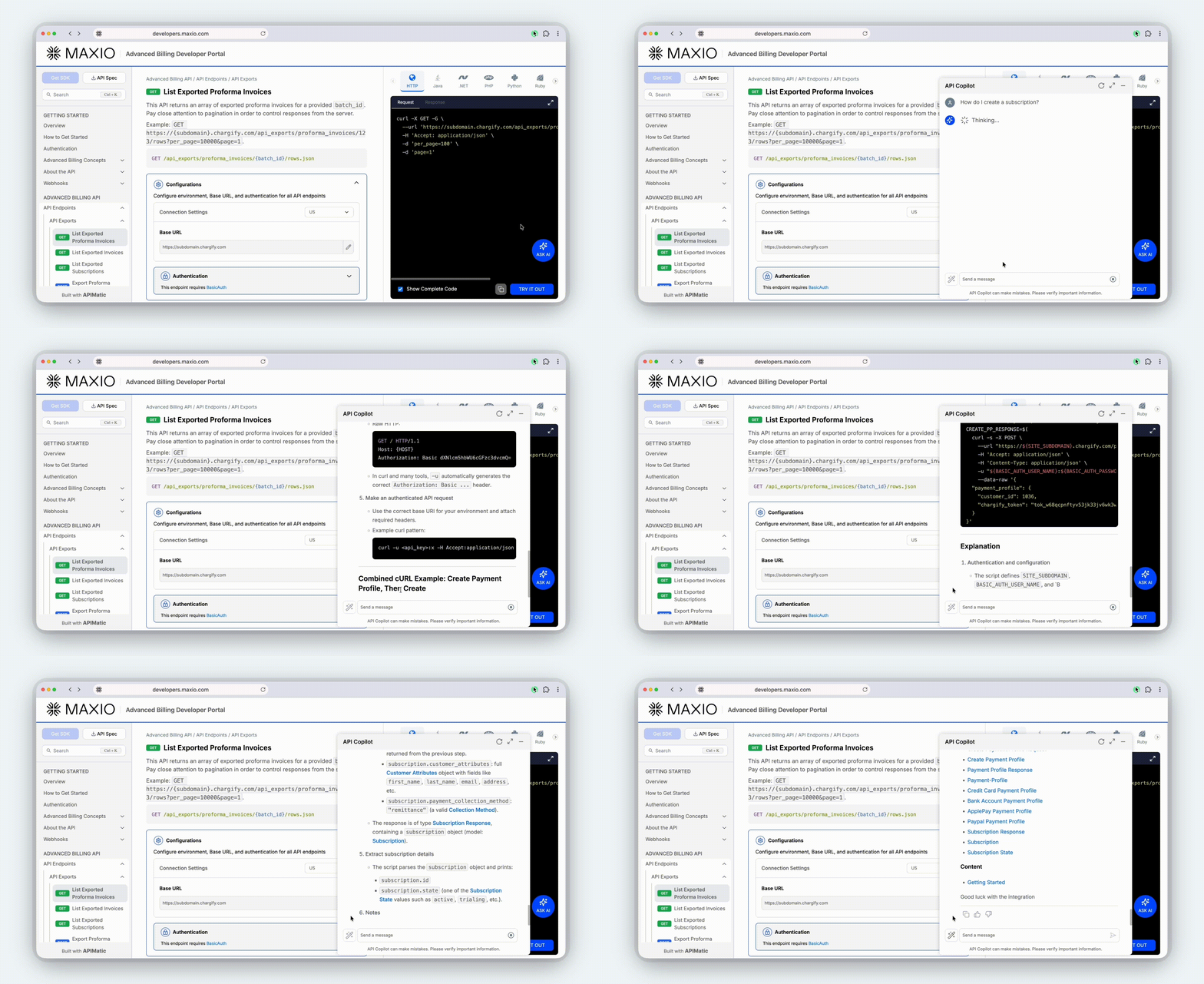
API Copilot now speaks cURL
Ask an API question, get a working code sample or cURL command instantly.
API Copilot sits inside every APIMatic-powered Developer Portal. Developers describe what they want to do ("create a payment and refund it if the amount exceeds $500"), and Copilot returns a working code sample with the right endpoints, parameters, and authentication already wired up. It handles multi-step scenarios, explains what each part of the code does, and answers follow-up questions in context.
With this release, generating cURL is now an option alongside C#, Python, Java, TypeScript, PHP, Ruby, and Go.
This is useful for developers who prefer raw HTTP requests for quick testing, debugging or CI scripts. It's also a fast way for technical writers and support engineers to grab a working request with minimal setup required.
API Recipes now help developers cross the finish line
API Recipes turn complex, multi-step API integrations into guided, interactive walkthroughs that developers follow right inside your portal.
Each recipe breaks a real-world use case (like "Send your first SMS" or "Create a subscription with metered billing") into sequential steps. Developers fill in parameters, execute API calls, and see results; all without leaving the documentation. Recipes reduce time-to-first-call by walking developers through exactly what they need, in the right order.
This month, Recipes got two updates that give API teams more control over the experience:
Success notifications
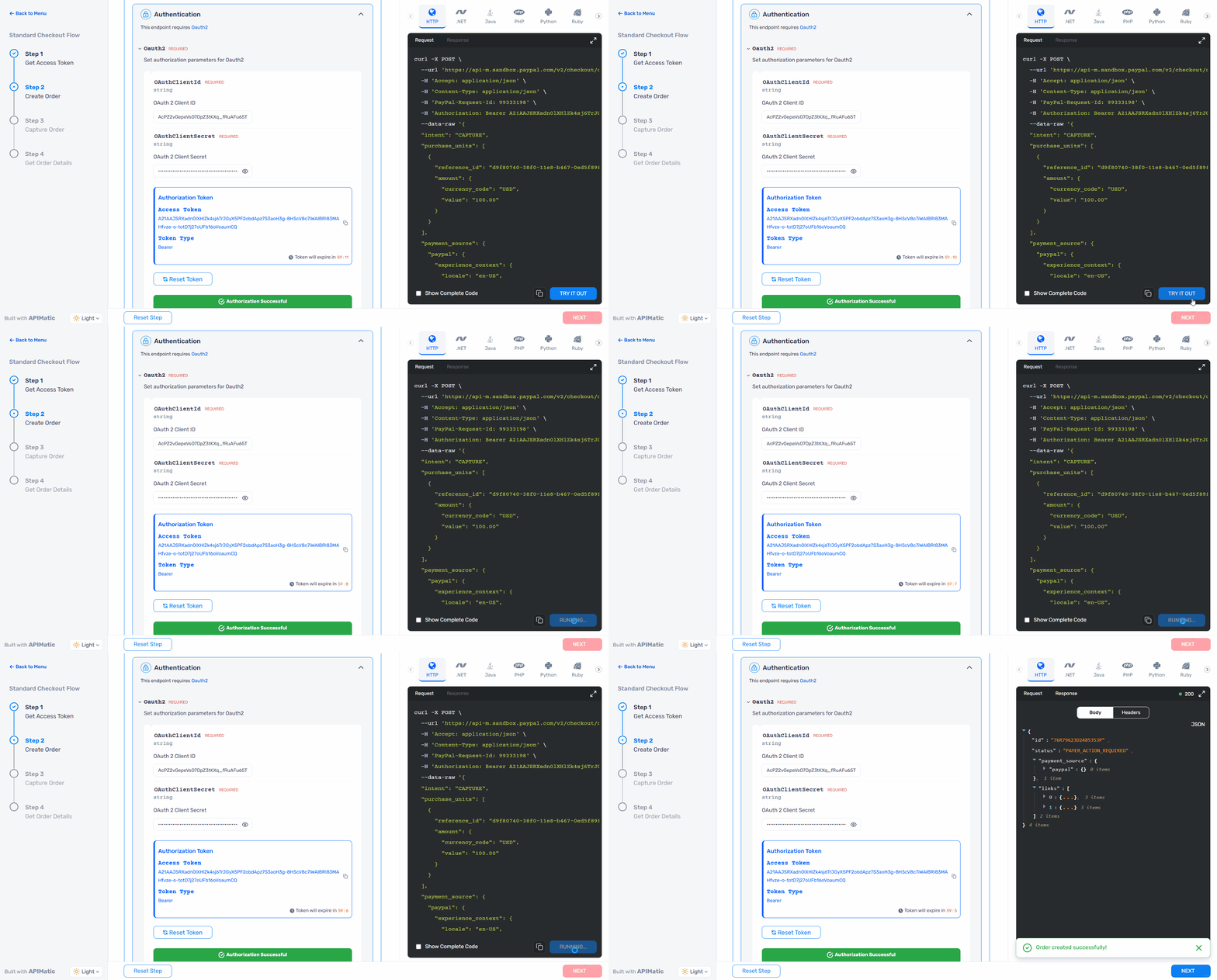
Developers now see a toast notification confirming a successful API response, so they know they successfully completed a step in the recipe.
A new setSuccessMessage function inside the verify callback lets recipe authors customize the confirmation text:
verify: (response, setError, setSuccessMessage) => {
  if (response.status === 200) {
    setSuccessMessage("Your API key was verified successfully!");
    return true;
  }
  setError("Verification failed. Please check your credentials.");
  return false;
}
Customizable completion screen
Recipe authors can now control the completion message, next-recipe label, and button text on the finish modal.
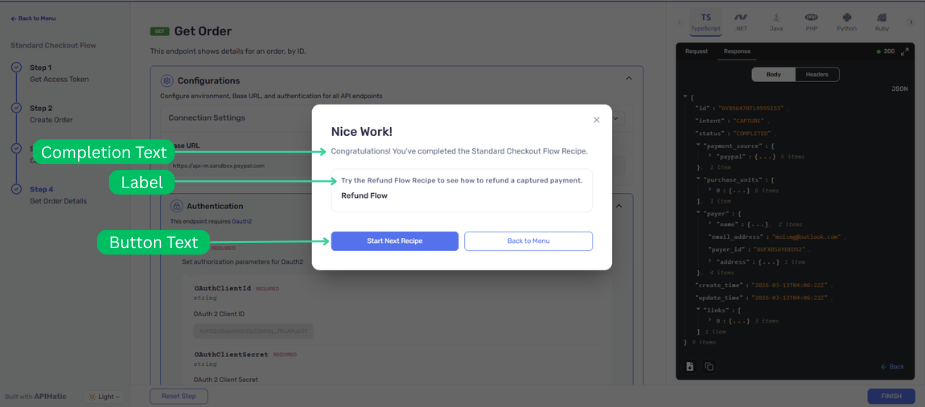
Three optional fields on the recipe's final step control what developers see after completing a recipe:
- Completion message (up to 170 characters): replace the default "You've successfully completed..." text with copy that matches your product's voice
- Next recipe label: change "Suggested Next Recipe" to something contextual, like "Continue Your Journey"
- Button text (up to 25 characters): rename "Start Next Recipe" to match the linked recipe, such as "Try OAuth 2.0"
All fields are optional. Omit them, and the defaults apply.
Webhooks and callbacks become first-class portal citizens
If your API uses webhooks or callbacks, your portal now treats them with the same depth as endpoints: organized sidebar navigation, independent sorting, and 50 dedicated linting rules that validate your spec before anything gets generated.
Over the past two months, APIMatic has shipped a series of updates that bring event-driven API documentation up to the same standard as endpoint documentation:
Sidebar organization by group
You can now organize webhooks and callbacks by group in your portal sidebar using a single toc.yml entry, the same way endpoint groups have worked. Two new options, from: webhook-group and from: callback-group, let you reference an entire group defined in your API spec. When you add, rename, or remove events in the spec, the sidebar updates automatically on next publish.
toc:
  - generate: Notification Events
    from: webhook-group
    webhook-group: NotificationEvents
No more listing every individual webhook or callback by name. One entry covers the group, and new events appear automatically.
webhook and callback group configuration
Independent sorting controls
The ConfigureComponentSorting setting (shipped in February) lets you set sort order; alphabetical or by HTTP method; independently for webhooks and callbacks, alongside endpoints and models. This helps large event-driven APIs stay consistently ordered across regenerations.
50 new linting rules for webhooks and callbacks
APIMatic's linting engine now includes 24 webhook rules and 26 callback rules across four rulesets. These catch structural and semantic issues before they reach SDK/Docs generation:
| Category | New rules | What they validate |
|---|---|---|
| Webhooks | 24 | Method restrictions, group assignments, payload verification algorithms, discriminator mappings |
| Callbacks | 26 | URL expression validity, payload verification signatures, method and group requirements |
🛠 Improvements
Refreshed UI for custom portal components
Callouts, cards, accordions, tables, image frames, video frames, and Mermaid diagrams all received a visual refresh across every portal.
The update is cosmetic only; component syntax and behavior are unchanged. Your portal adopts the new styles automatically on next publish, with no configuration required.
12 new pagination linting rules
APIMatic's linting engine now validates pagination extensions in your OpenAPI spec, catching type mismatches, incorrect JSON pointers, and cursor input/output inconsistencies before they affect generation.