


May tightened the loop between your APIs and the AI tools developers use to consume them.
APIMatic's new C# SDK is in beta on a code generation engine built for both developers and AI coding agents. On the API Portal front, every page can now be sent to an AI tool in one click, and llms.txt and llms-full.txt got a revamp.
Here's everything that shipped in May 2026:
🚀 Generate C# SDKs that feel native to the .NET ecosystem
You can now generate APIMatic's new C# SDK in beta. It's the first language on APIMatic's new code generation engine, built from the ground up to produce SDKs that are optimized for consumption by both developers and AI coding agents like Claude Code.
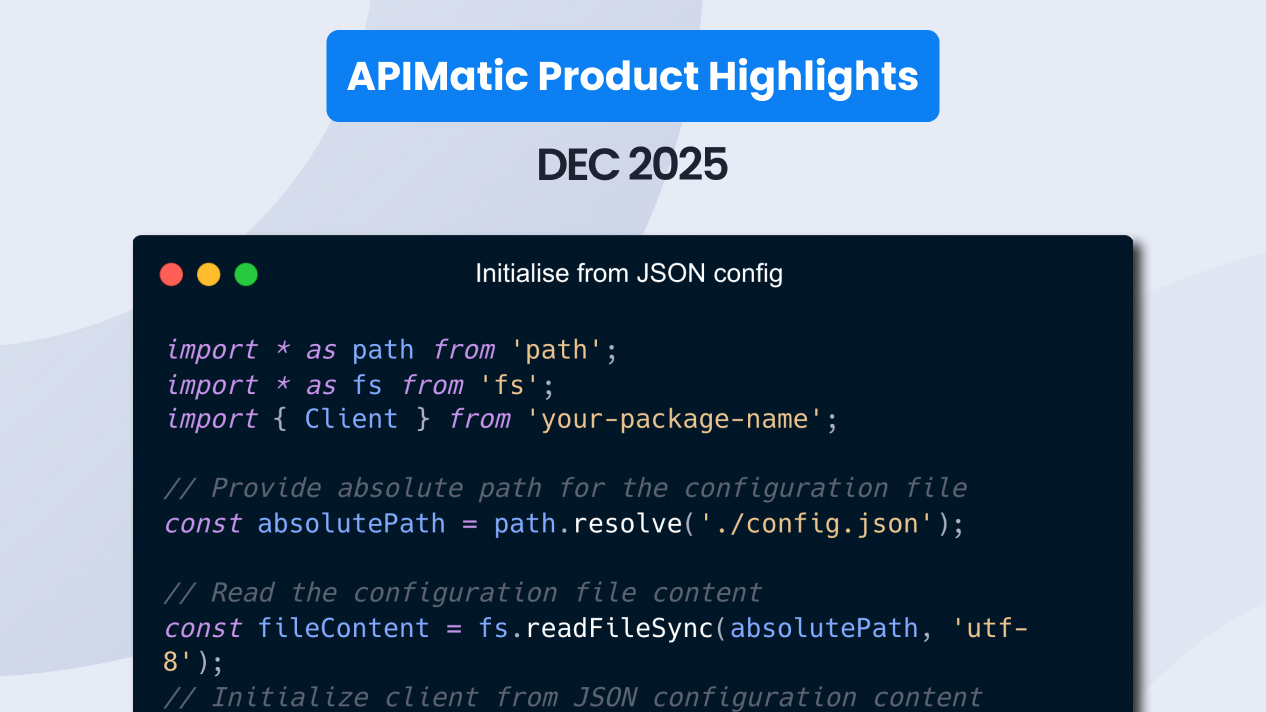
The SDK is written in C# 14, and targets netstandard2.0, so it runs on .NET Framework 4.6.1 all the way through the latest .NET releases.
.png?width=1733&height=966&name=Group%2048095416%20(1).png)
What developers get from the new C# SDK
- Models that mean what they say. Immutable
recordmodels userequiredand nullable properties, so the type itself shows what must be supplied and what may be absent. Missing required data becomes a compiler error, and nullable fields produce compiler guidance before the application runs. - Open-ended API values that stay usable.
StringEnum<T>keeps typed constants for known values and preserves any value your API adds later in.Value, so developers can handle new states without waiting for a regenerated SDK. - Type-safe error responses, per endpoint. Just like the typed success response, every OpenAPI endpoint gets a type-safe error response generated from its declared error schemas. Developers handle failures with the same type-system support they already use for the happy path.
- Predictable retries for transient failures. A configurable Polly resilience pipeline handles 429s, 5xx responses, and network errors with exponential backoff and jitter. Retry eligibility is handled by the SDK, including safe handling for replayable request bodies.
- A client that plugs into .NET applications. The flat client accepts
HttpClient, integrates withIHttpClientFactory, binds configuration throughIOptions<T>, and fits the dependency injection model your customers already use.
One OpenAPI source now produces a C# client your customers register, call, test, and extend like their own code — with the same Core module carrying authentication, serialization, resilience, and error handling across every C# SDK you generate.
The beta is open: generate a C# SDK for your API, try it against your application stack, and tell us where the integration experience should get sharper.
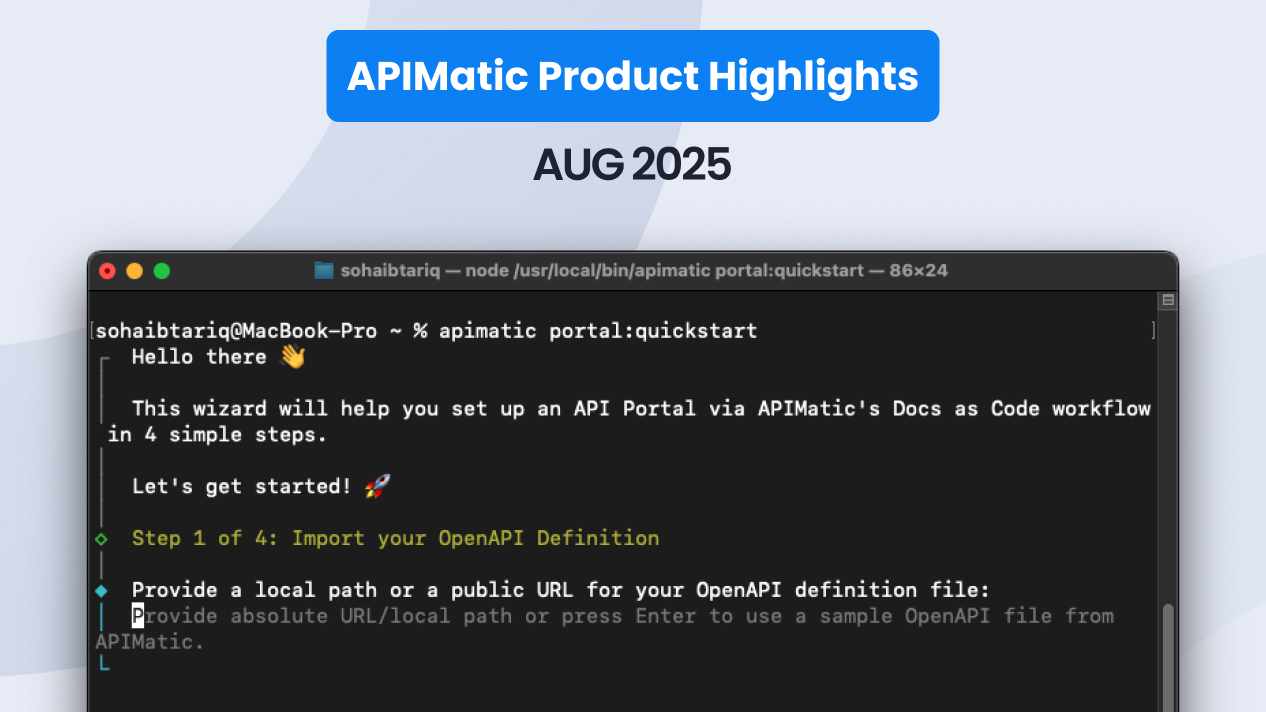
APIMatic CLI getting started guide
🤖 Send any documentation page to your AI tool with one click
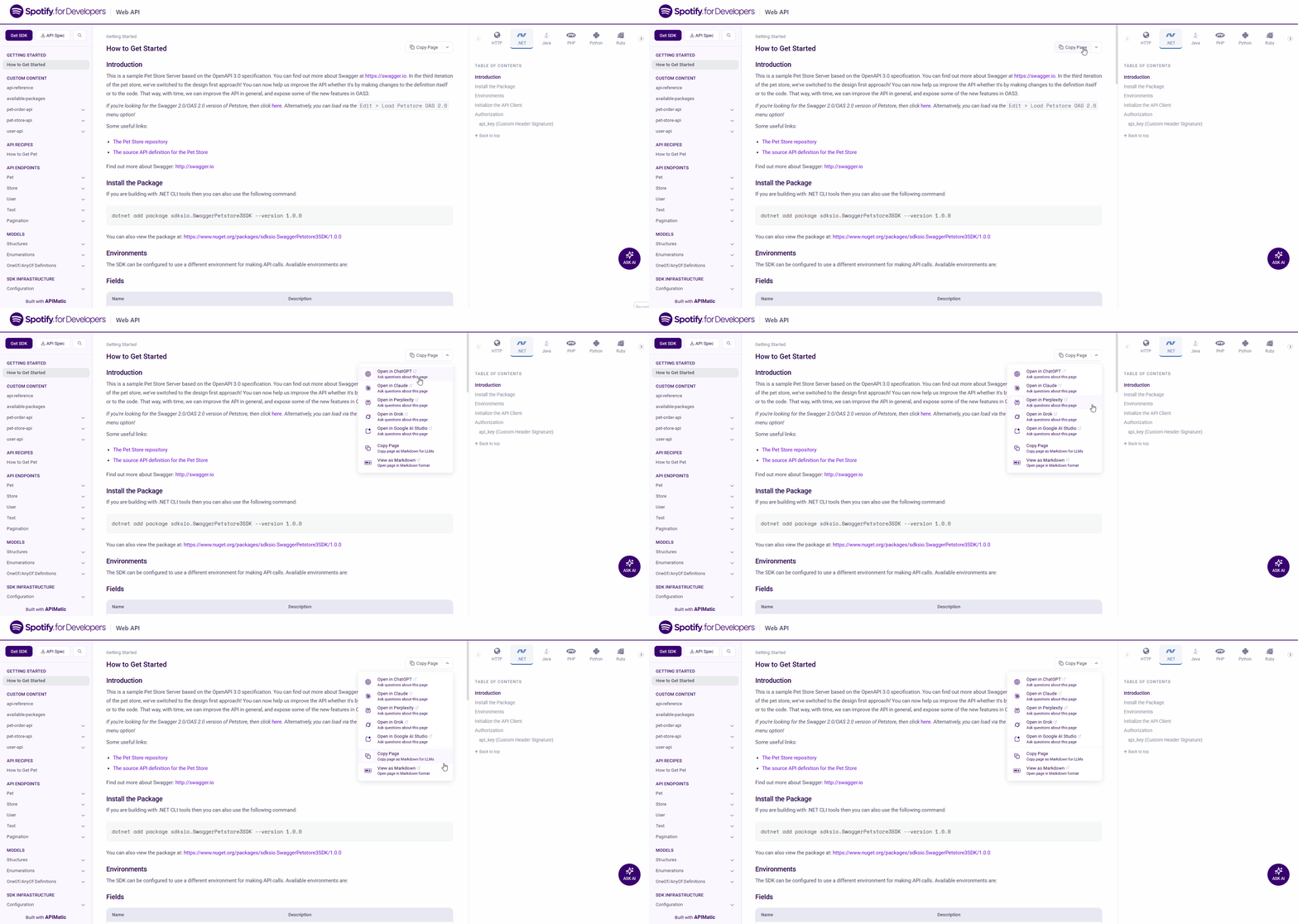
A new AI Assist menu on every documentation page sends that page's full content straight to your preferred AI tool as context. Open the dropdown, pick your tool, and the page lands in your AI chat ready to ground its answers.
This is for developers who read your API docs with a coding assistant open in the next window. The AI Assist menu hands the exact page they're looking at to that assistant in one click, so the model answers from the same content the developer sees on screen. Questions about an endpoint, an auth flow, or a request body get answered against your real documentation rather than the model's general guess.
- One click from doc page to AI context on every page of the portal
- Grounded answers that match what the developer is reading
- Less context-switching between your docs and a separate AI chat window
Developer Experience Portal documentation
🛠 Minor improvements
Feed coding assistants cleaner portal context with revamped llms.txt and per-page Markdown exports. Your portals now ship with revamped llms.txt and llms-full.txt files, and every page can be exported as clean Markdown. llms.txt gives an AI tool a map of your portal and llms-full.txt gives it the full text in one file, both tuned so the content an assistant ingests matches the rendered docs. The new per-page Markdown export adds a second path: pull a single page as Markdown when you want to drop one endpoint or guide into a prompt, a repo, or a context plugin. See the llms.txt documentation.
Control your documentation URLs with custom slugs in toc.yml. Your toc.yml configuration now accepts a slug option for any page, giving you control over the URL path each documentation page generates. Set a short, readable slug for a deep page, keep links stable when you reorganize your table of contents, and match the URL structure your team and SEO already expect. See the portal configuration documentation.
Stop unwieldy entity names from polluting your generated code. API entity names longer than 100 characters are now flagged as Error-level validation violations across code generation, documentation generation, and portal generation. The rule surfaces unwieldy names at validation time so they get tidied in the spec, which keeps generated class and method names clean and predictable for the developers consuming your SDKs. See the documentation.